
SYNC MODULE
GIT SYNC FOR LAYOUTS
Sync your YOOtheme layouts to Git. Track changes, create pull requests, and roll back to any commit.
Built for YOOtheme Pro
Sync extracts the YOOtheme layout JSON from each page and commits it to your Git repository. Every change is versioned and traceable.
PER-PAGE SYNC
Push individual pages or batch sync your entire site to Git. Each page gets its own versioned file.
BRANCHES AND PULL REQUESTS
Sync to feature branches and open pull requests directly from the dashboard. Review layout changes before merging.
DIFF AND ROLLBACK
Compare local layouts with the remote version. View exact changes and roll back to any previous commit.
HOW IT WORKS
Connect your Git repository in the Sync settings. Once configured, your YOOtheme layouts are ready to sync.
CONNECT
Add your Git repository URL and access token in the Sync settings. Sync supports GitHub and other Git providers.
SYNC
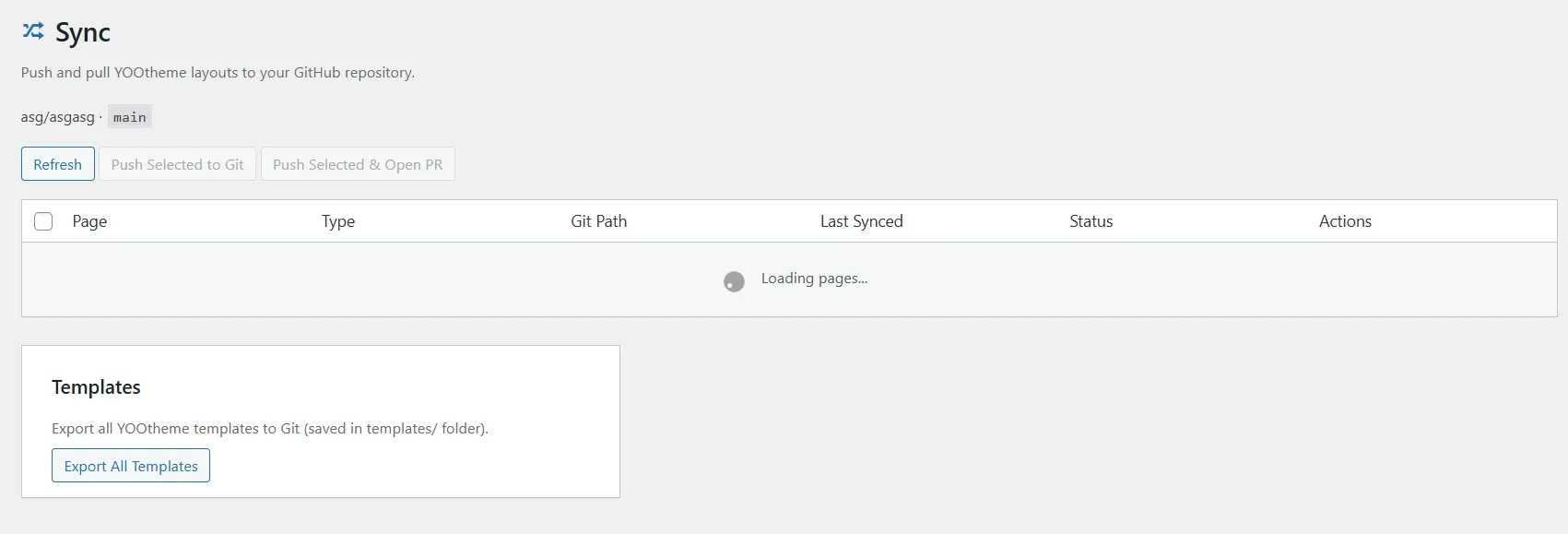
Open the Sync dashboard to see all YOOtheme pages and their sync status. Push changes individually or in bulk with one click.
REVIEW AND ROLLBACK
View diffs to see exactly what changed. Create pull requests for team review. Roll back to any previous commit if needed.
FAQ
Which Git providers are supported?
Sync works with GitHub. Support for GitLab and Bitbucket is planned for a future release.
Does it sync automatically?
No. All syncs are manual. You choose when to push changes from the Sync dashboard. This gives you full control over what gets committed.
What exactly gets synced?
Sync extracts the YOOtheme layout JSON from each page and stores it as a versioned file in your repository. Images and media are not included.
Can I roll back to a previous version?
Yes. The Sync dashboard shows commit history for each page. You can roll back to any previous commit with one click.
YOUR LAYOUTS. VERSION CONTROLLED.
All modules are included inside of the YOOfoundry plugin.